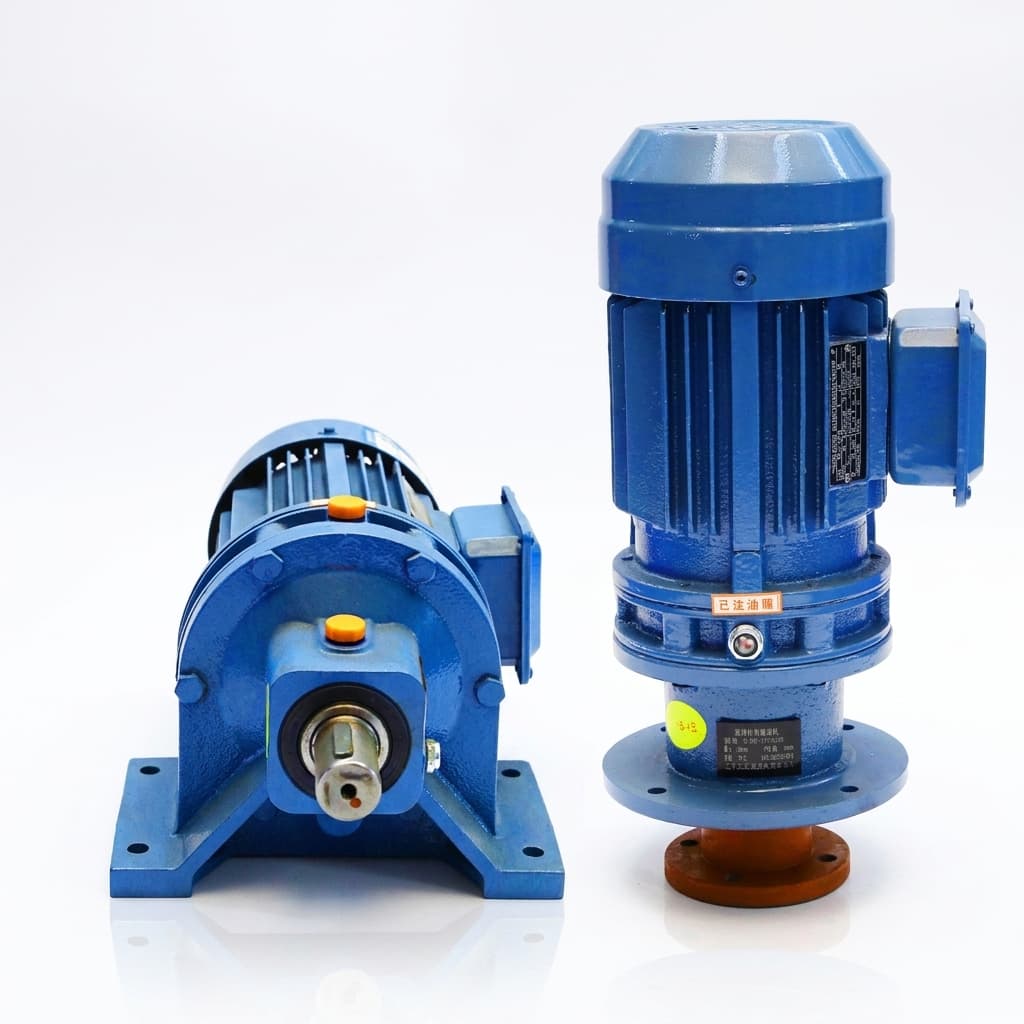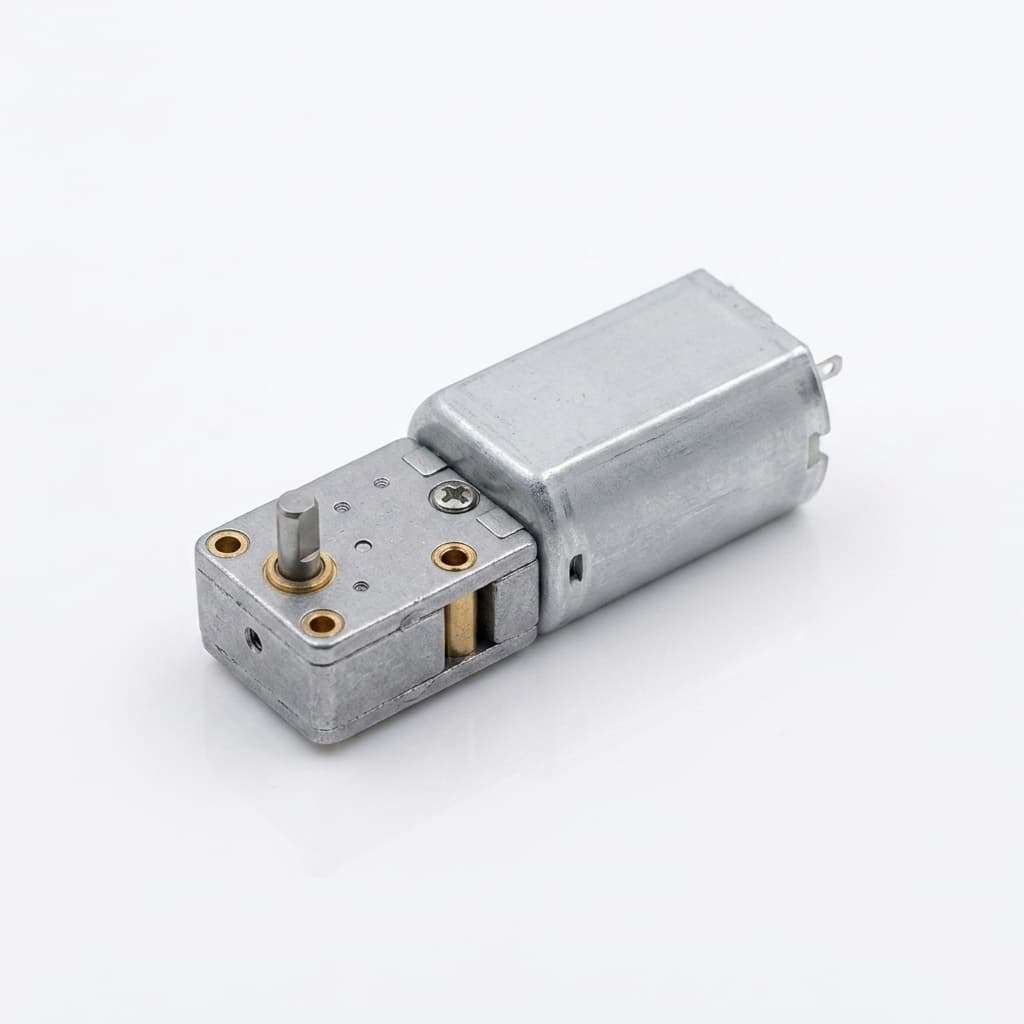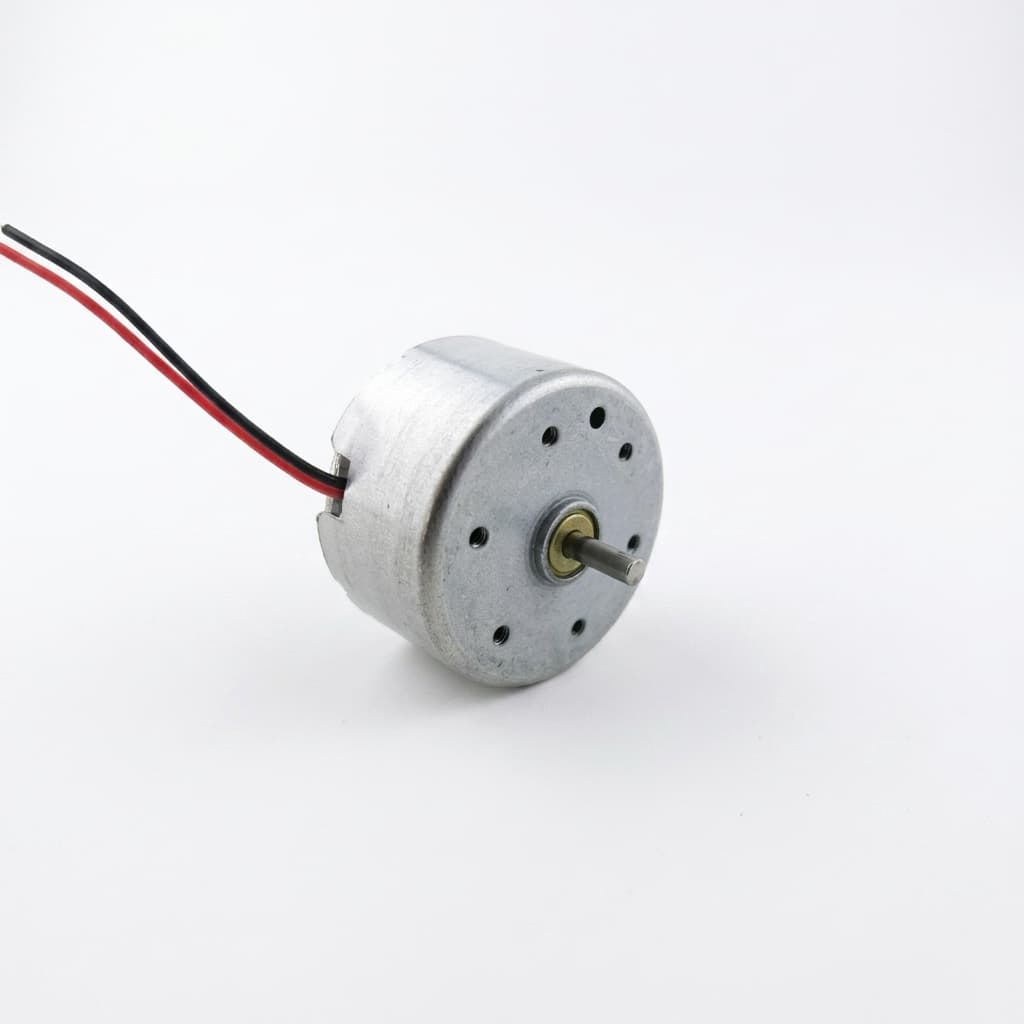
In precision indexing and CNC automation, losing steps is the ultimate silent killer. A NEMA 23 or 34 stepper motor combined with a planetary gearbox should give you massive torque and pinpoint accuracy. But when the system starts drifting, engineers usually blame the stepper drive, the wiring, or EMF noise.
[!NOTE] Executive Summary for Sourcing & Engineering Teams If your NEMA stepper planetary gear motor is losing steps, the stepper drive is rarely the issue. The three most common mechanical root causes are: 1) The load's reflected inertia exceeds the motor rotor inertia by more than 10:1 (causing stall on deceleration), 2) Micro-slippage at the motor-to-gearbox keyway connection, or 3) Mid-band resonance shattering the gearbox lubrication. To fix this, upgrade to a compression-collar input shaft, reduce the deceleration ramp in your PLC, or change the gear ratio to push the motor out of the 600-1200 RPM resonance band.
I've taken apart hundreds of failed assemblies sent back from the field. 80% of the time, the drive is perfectly fine. The real reason you are losing steps is mechanical failure at the motor-gearbox interface.
Here is the raw truth on why your stepper gear motor is failing, and how to spec it right the next time.
If your selection baseline is a 0.5 hp DC geared architecture, validate torque margin and current assumptions with the 0.5 HP DC geared motor sizing tool and decision report before finalizing ratio and ramp parameters. If the project scope is a 1/10-scale platform and you need fast clarity on planetary ratio plus 12 mm vs 1/2 in shaft integration, use the 1/10 scale planetary gearbox and 1/2 shaft hybrid tool/report. For 10 kg class robots where startup shock and thermal margin decide reliability, run the 10 kg robot motors calculator and selection report before freezing stepper ratio and current limits. If your fallback architecture is a fixed-speed 100 rpm DC drivetrain, pre-check speed-fit and startup limits with the 100rpm DC motor in robot fit checker and decision report before changing motor family.
Related decision workflows
Use these companion notes when a missed-step problem points back to drivetrain sizing or duty-cycle assumptions:
- How to Select Planetary Gear Ratio for AGV and Mobile Robot Drives for ratio, payload, current, and thermal screening.
- BLDC vs Brushed DC Planetary Gear Motors for Smart Access Gates for controller complexity, cycle count, and gearbox shock trade-offs.
1. The Inertia Mismatch Trap
Steppers do not have a flat torque curve. As RPM increases, torque drops off a cliff. When you add a planetary gearbox, you are multiplying the torque, but you are also reflecting the load inertia back to the motor shaft.
If the reflected inertia (Load Inertia / Ratio²) exceeds the motor's rotor inertia by a factor of more than 10:1, the motor will stall during deceleration.
<svg viewBox="0 0 800 350" xmlns="http://www.w3.org/2000/svg" className="w-full h-auto bg-slate-50 dark:bg-slate-900 rounded-xl border border-slate-200 dark:border-slate-800 p-4 my-8">
  <!-- Grid -->
  <g stroke="currentColor" className="text-slate-200 dark:text-slate-800" stroke-width="1">
    <line x1="100" y1="50" x2="100" y2="300" />
    <line x1="200" y1="50" x2="200" y2="300" />
    <line x1="300" y1="50" x2="300" y2="300" />
    <line x1="400" y1="50" x2="400" y2="300" />
    <line x1="500" y1="50" x2="500" y2="300" />
    <line x1="600" y1="50" x2="600" y2="300" />
    <line x1="700" y1="50" x2="700" y2="300" />

    <line x1="100" y1="50" x2="700" y2="50" />
    <line x1="100" y1="100" x2="700" y2="100" />
    <line x1="100" y1="150" x2="700" y2="150" />
    <line x1="100" y1="200" x2="700" y2="200" />
    <line x1="100" y1="250" x2="700" y2="250" />
    <line x1="100" y1="300" x2="700" y2="300" />
  </g>

  <!-- Axes -->
  <line x1="100" y1="300" x2="750" y2="300" stroke="currentColor" stroke-width="3" className="text-slate-800 dark:text-slate-200" />
  <line x1="100" y1="300" x2="100" y2="30" stroke="currentColor" stroke-width="3" className="text-slate-800 dark:text-slate-200" />

  <text x="425" y="340" text-anchor="middle" className="text-sm font-semibold fill-slate-700 dark:fill-slate-300">RPM (Speed)</text>
  <text x="50" y="165" transform="rotate(-90 50 165)" text-anchor="middle" className="text-sm font-semibold fill-slate-700 dark:fill-slate-300">Pull-Out Torque (Nm)</text>

  <!-- Curves -->
  <!-- Direct Drive Stepper (Drops fast) -->
  <path d="M 100 80 Q 200 85 300 150 T 700 290" fill="none" stroke="currentColor" stroke-width="4" className="text-red-500" />
  <text x="650" y="275" className="text-xs font-bold fill-red-500">Direct Drive</text>

  <!-- Geared Stepper 10:1 (High starting, extended usable range) -->
  <path d="M 100 50 L 150 50 Q 350 60 450 120 T 700 240" fill="none" stroke="currentColor" stroke-width="4" className="text-emerald-500" />
  <text x="580" y="200" className="text-xs font-bold fill-emerald-500">10:1 Planetary Gear</text>

  <!-- Danger Zone Highlight -->
  <rect x="500" y="200" width="200" height="100" fill="currentColor" className="text-red-500 opacity-20" />
  <text x="600" y="250" text-anchor="middle" className="text-xs font-bold fill-red-700 dark:fill-red-300">Stall / Missed Step Zone</text>
</svg>
The Fix: Calculate your reflected inertia. If it's too high, do not push the ramp-down time in your PLC. Extend your deceleration curve. Physics always wins against controller logic.
2. Keyway vs. Clamp Collar Slippage
When you mount a NEMA 34 stepper (which can push 8-12 Nm peak torque) into a 10:1 gearbox, you are dealing with 80-120 Nm of output torque. But the failure usually happens at the input stage—the connection between the motor shaft and the gearbox sun gear.
If you buy a cheap catalog gearbox, it uses a basic set screw or a loose keyway. Under rapid reversing cycles (common in pick-and-place robots), that keyway will deform. A 0.1mm deformation at the input shaft becomes a massive positioning error at the output shaft.
| Connection Type | Reversing Shock Tolerance | Risk of Micro-slipping | Best Use Case |
|---|---|---|---|
| Set Screw (D-Shaft) | Very Low | Very High | Cheap conveyors, one-direction continuous duty. |
| Standard Keyway | Medium | Medium (deforms over time) | Standard indexing, moderate acceleration. |
| Compression Collar | Very High | Zero | High-speed precision robotics, rapid reversing. |
The Fix: Only buy planetary gearboxes with a high-tension compression collar input. The collar grips the motor shaft 360 degrees, eliminating backlash at the input stage.
3. Torsional Wind-up in the Gearbox
"Backlash" is the play between gears when the motor is stopped. "Torsional stiffness" is how much the gears twist like a spring under load.
Many buyers spec a < 5 arc-min backlash gearbox and assume their accuracy is perfect. But if they buy a unit with cheap powder metallurgy gears and a thin ring gear housing, the internal components will physically twist under load. The encoder on the back of the stepper motor reads perfectly, but the load at the front is lagging behind by a few degrees. When the load stops, the "spring" unwinds, causing the load to overshoot and vibrate.
The Fix: If you are building a precision machine (like a CNC plasma cutter or a robotic joint), you need a gearbox cut from hardened 40Cr steel, with a thick-walled ring gear broached directly into the outer casing.
4. Resonance Induced Stalls
Steppers are notorious for mid-band resonance (usually between 600 and 1200 RPM). If your gear ratio forces the motor to operate mostly inside this resonance band to achieve your target output speed, the vibration will shatter the thin oil film inside the planetary needle bearings.
The motor starts vibrating, the gears start whining, and eventually, the motor loses synchronization with the drive pulses and stalls violently.
The Fix:
- Use a micro-stepping drive (at least 1600 pulses/rev) to smooth the wave.
- Change the gear ratio. If you are stuck in the resonance band at 10:1, switch to a 15:1 ratio so the motor spins faster, completely bypassing the resonance zone to achieve the exact same output speed.
Stop Blaming the Electronics
Before you spend three days rewriting your PLC logic or swapping out expensive stepper drives, put a dial indicator on your output shaft. Check for input slippage, run an inertia calculation, and look at your deceleration ramps.
If you need a gear motor assembly that actually survives rapid reversing without losing steps, don't buy from a catalog. Talk to the factory.
- Email: [email protected]
- WhatsApp: +8618857971991
FAQ
Why does a geared stepper lose steps even when the driver is healthy?
The usual causes are mechanical: reflected inertia is too high, the input shaft slips under reversing shock, or the motor is operating in a resonance band. A healthy driver cannot correct a gearbox interface that physically moves.
Should I increase current to stop missed steps?
Only after checking inertia, ramp settings, resonance, and shaft coupling. More current can add heat without solving the root cause if the system is losing position through mechanical slip or torsional wind-up.
What should I ask a gearbox supplier before replacing the assembly?
Ask for input coupling type, backlash and torsional stiffness data, gear material, bearing support, rated reversing duty, and test conditions. For precision reversing work, a compression-collar input is usually safer than a basic set screw or loose keyway.